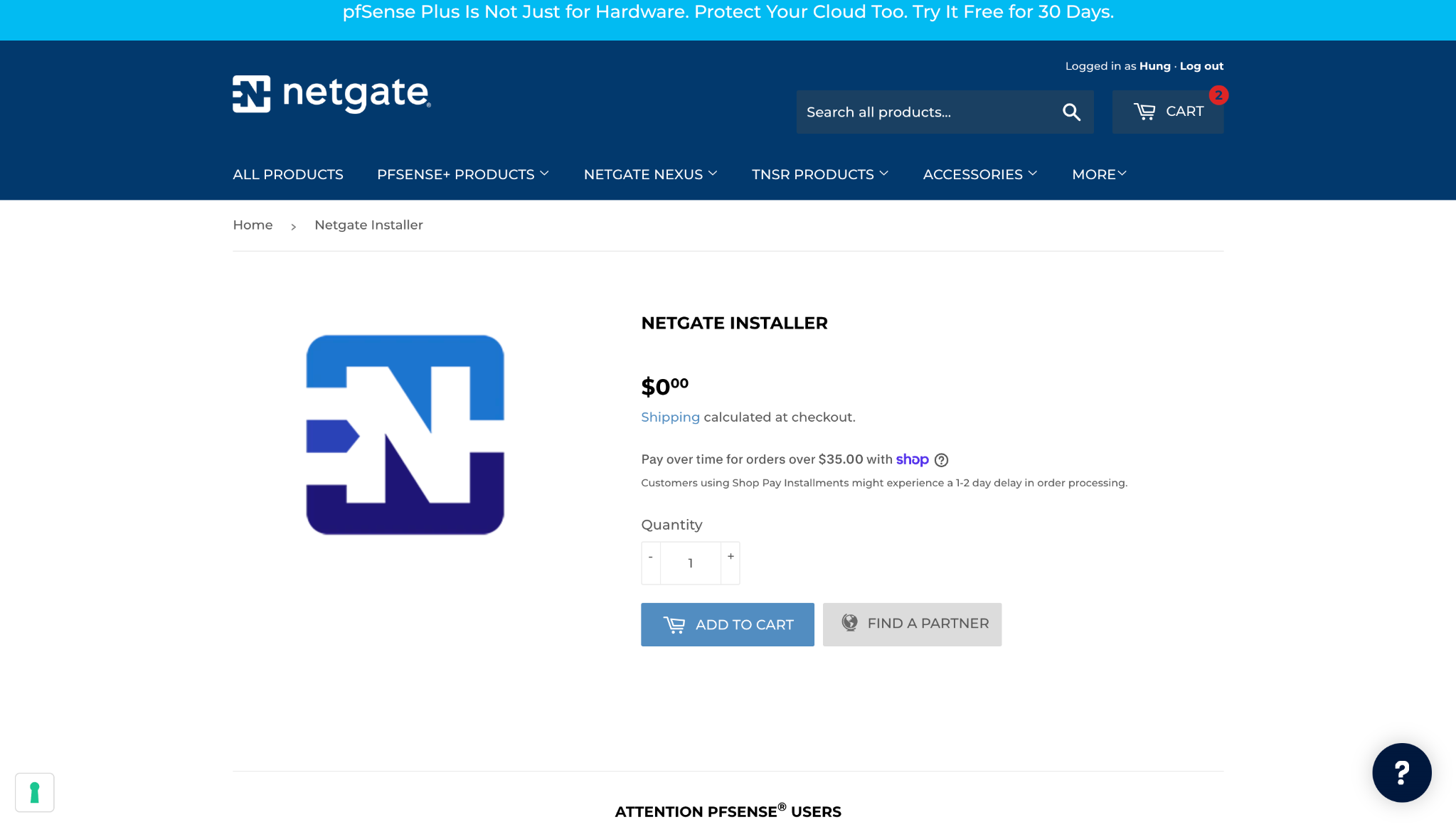
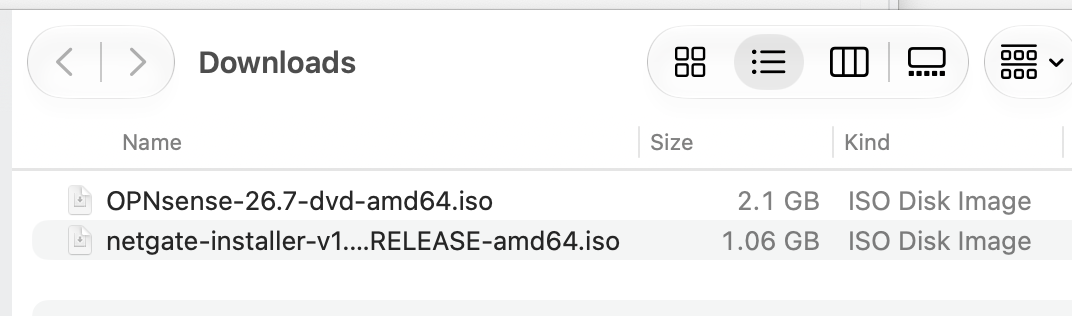
For years, pfSense CE 2.7.x was the main router for my private network. Recently, it became less reliable for me. An upgrade to 2.8 failed, so I decided to try a fresh installation from a CE image. Getting that image proved harder than I expected: I struggled to find a download path on the pfSense site and eventually used a browser script to get through the checkout flow(Becauser Idk why the drop down didn’t show up). The netgate-installer-v1.2-RELEASE-amd64.iso image I downloaded then required a network connection during installation, and each attempt failed in my environment.
A friend had recommended OPNsense, so I gave it a try. My requirements were modest: a stable WAN connection with dynamic DNS updates for my domain, plus two separate LAN networks—one for ordinary internet access and one for smart home devices. I wanted something dependable that I could set up quickly, which is why I did not pursue a custom OpenWrt build. Being able to download a complete installation image easily mattered, too.
The live system caught me out
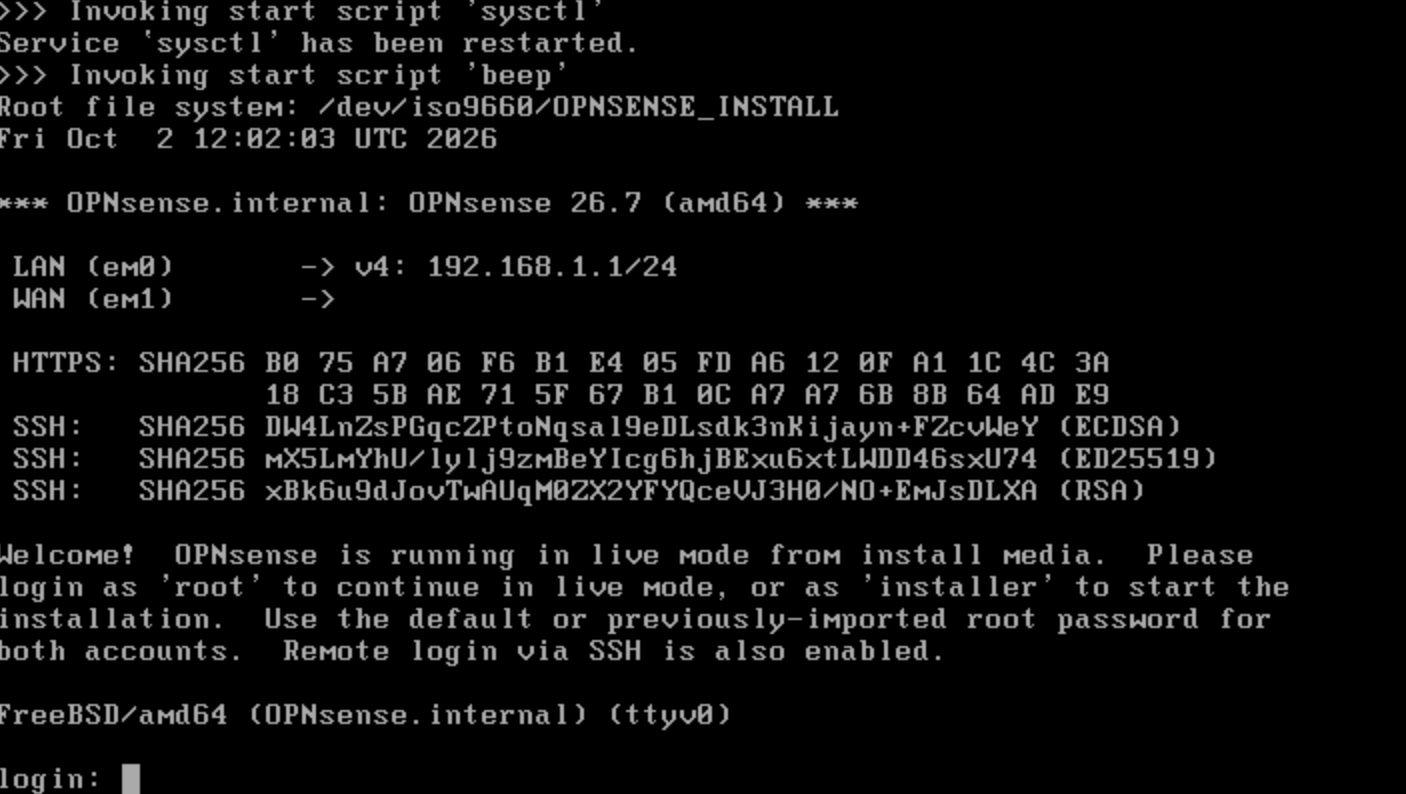
The OPNsense installer felt familiar coming from pfSense, but its live environment was a pleasant surprise. I could boot the ISO, make a few basic changes, and temporarily bring my network back online before installing anything to disk. I initially missed the console message saying that the system was running from the installation media. I assumed the warning was only about the default root password and spent far too long wondering why my settings disappeared after every reboot.
The answer was right on the login screen: sign in as installer to start the installation. Once I noticed that, the process made sense.
How it feels so far
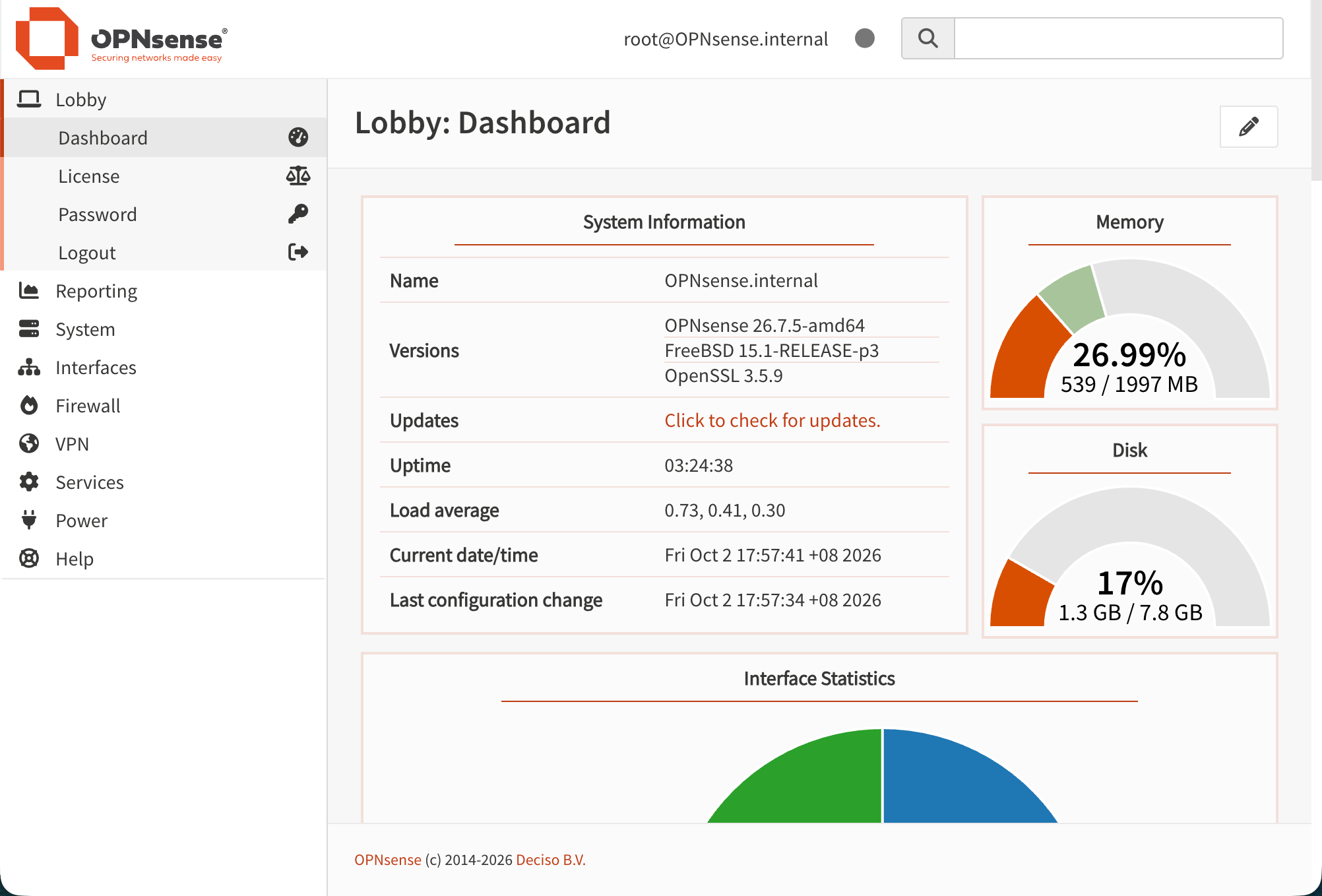
I assigned this installation 2 GB of RAM and 16 GB of disk space. For my current, relatively simple setup, it has felt comfortable so far. That is only my experience: OPNsense’s hardware guidance lists 3 GB of RAM as its minimum for standard features and higher specifications for broader use.
Configuring multiple network interfaces and firewall rules felt much like doing the same work in pfSense, so the transition was straightforward. What made the stronger impression was how easily I could obtain an offline installation image and get a live system running. After my difficulties with the pfSense installer, OPNsense has been a good fit for my home network so far.
Comments